How to Turn Lectures Into Practice Questions (Recorded, Live or YouTube)
A lecture you don't review is mostly forgotten within days. How to capture lectures, turn them into practice questions the same day, and keep them for exam time.
Published 3 min read

You sit through an hour of lecture, take notes as fast as you can, and walk out feeling like you got it. A week later, most of it has gone. That's not a personal failing — it's how memory works. Without review, newly learned material fades fastest in the first few days.
The fix is to turn each lecture into practice questions the same day and come back to them over the following weeks. This guide covers how to capture a lecture, how to get questions from it, and how to keep them working for you until the exam.
Why lectures slip away
A lecture is a one-way stream of information at the lecturer's pace. You're mostly listening and copying — passive activities. Your notes capture fragments, and you rarely look at them again until revision week, when they no longer make sense.
What turns a lecture into memory is retrieval: answering questions about it, from memory, soon after and again later. In Roediger and Karpicke's 2006 study, testing yourself on material led to substantially better recall a week later than restudying it. And the right gap between sessions grows with how long you need to remember: Cepeda and colleagues (2008) found that spacing reviews out — rather than cramming them together — makes memories last.
Step 1: Capture the lecture well
If recording is allowed
Record the audio and take lighter notes. Instead of writing everything, mark the moments that matter:
- definitions and key terms
- anything the lecturer repeats or emphasises
- "this will be on the exam"
- worked examples and diagrams on the board — take a photo
The recording gives you completeness. Your marks tell you what's important.
If recording isn't allowed
Take notes in a question-friendly layout. The Cornell format — a narrow column on the left for questions, notes on the right — is ideal: after the lecture, you fill the left column with questions about the notes.
If it's a video
Recorded lectures and YouTube explainers are easier: the transcript is often available, and you can pause. The trap is watching passively at 2× speed and calling it studying.
Step 2: Turn it into questions the same day
Aim for 10–20 questions per lecture, covering every major point. Good lecture questions:
- test the ideas the lecturer emphasised, not throwaway asides
- ask why and how, not just what ("Why does the lecturer say X matters?")
- include worked examples — redo the board example from scratch
- link back to the moment in the lecture or the page in the slides, so you can check
Writing questions yourself is valuable but slow. If you have a recording or transcript, AI can draft them in minutes — then you check and edit.
Step 3: Answer them, then come back
Answer the questions that evening, without notes. Check each answer. Then come back to them a couple of days later, then a week later, then a few weeks later, focusing on the ones you got wrong. This is spaced repetition, and it's what carries a lecture from Tuesday to the exam.
Lectures in DeepRevision
DeepRevision has lecture capture built in, designed around exactly this loop.
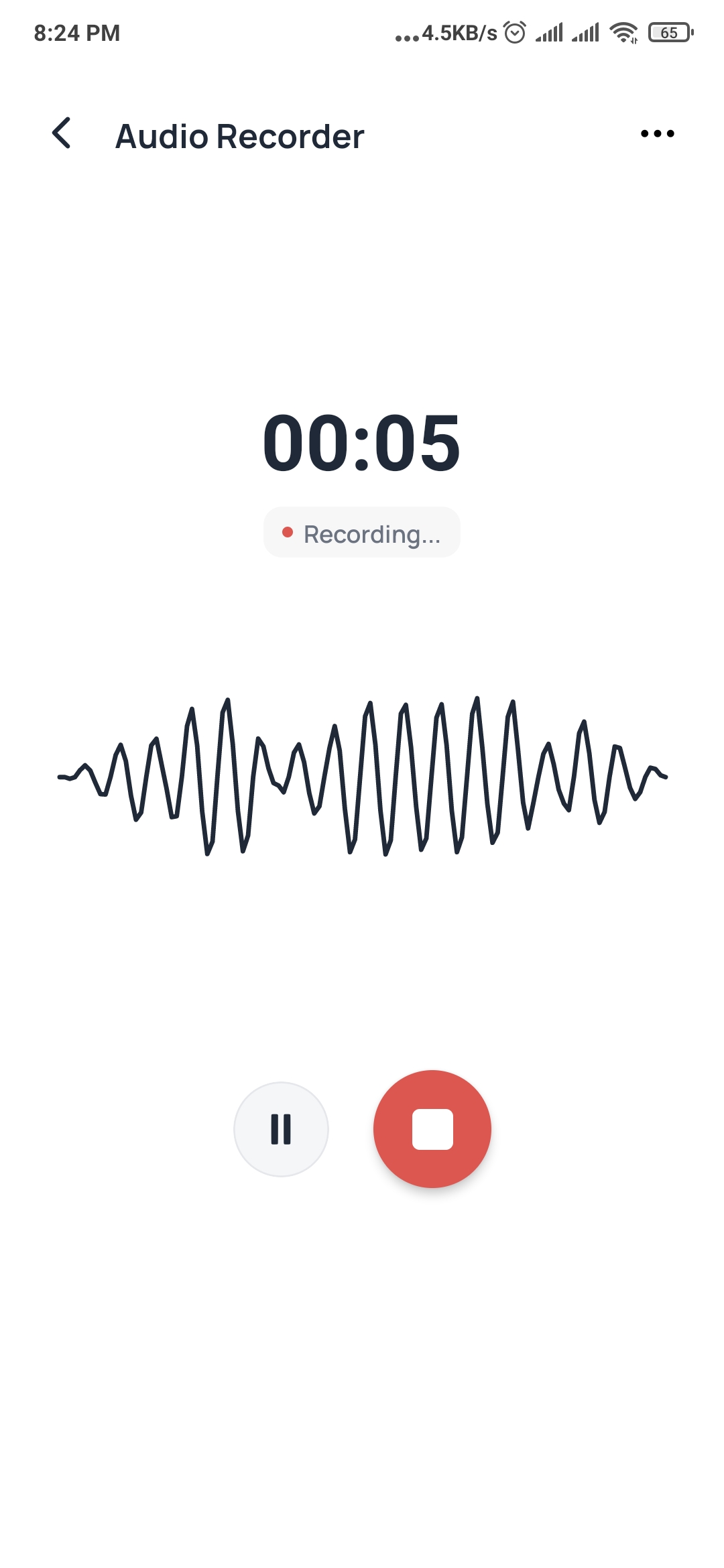
- Record in the room (or upload audio you already have). The live transcript stays synced to the audio.
- Mark the moments that matter and snap the board as you go. Your marks and photos sit on the lecture's timeline.
- That evening, the lecture turns into practice questions written from what was actually said.
- YouTube links work too: paste a link and practise on what the video actually says.
- Any lecture can become a mind map of its ideas, and you can teach back any moment from it in your own words.
- Every question is scheduled for review and every wrong answer is kept, so the lecture keeps coming back until you know it.
A weekly lecture routine
| When | What |
|---|---|
| During the lecture | Record (if allowed), mark key moments, photograph the board. |
| Same evening (15–20 min) | Answer the lecture's questions without notes. Note the misses. |
| 2–3 days later | Retry the misses and a few of the others. |
| Weekend | Clear your review queue across all the week's lectures. |
| Before the exam | Review your mistakes from every lecture, by topic. |
Ten lectures reviewed like this are worth more than forty rewatched the week before the exam.
Frequently asked questions
Is it OK to record lectures?
Check your university's policy and ask the lecturer if you're unsure. Many institutions allow recording for personal study, and some record lectures themselves; others require permission. Never share recordings publicly.
How soon after a lecture should I review it?
The same day if you can, and within a day or two at most. Forgetting is steepest soon after learning, so a short review — ideally answering questions on it — the evening of the lecture is worth far more than a long review a week later.
Should I take notes if I'm recording the lecture?
Yes, but lighter ones. Note the moments that matter — key definitions, 'this will be on the exam', worked examples — rather than transcribing everything. The recording handles completeness; your marks tell you what's important.
Can I make practice questions from a YouTube lecture?
Yes. Many tools can work from a video's transcript. Make sure the questions are based on what the video actually says, so you're practising the material you watched.
Sources
- Roediger, H. L., & Karpicke, J. D. (2006). Test-enhanced learning: Taking memory tests improves long-term retention. Psychological Science, 17(3), 249–255. doi:10.1111/j.1467-9280.2006.01693.x
- Cepeda, N. J., Vul, E., Rohrer, D., Wixted, J. T., & Pashler, H. (2008). Spacing effects in learning: A temporal ridgeline of optimal retention. Psychological Science, 19(11), 1095–1102. doi:10.1111/j.1467-9280.2008.02209.x
Stop studying everything. Study what you’re getting wrong.
DeepRevision turns your notes, slides and lectures into practice questions, finds the ones you keep missing and why, and brings each one back right before you’d forget it.
Written by
The people who build DeepRevision
We build DeepRevision, a study app that turns your own notes, slides and lectures into practice questions and brings back the ones you get wrong right before you'd forget them. We write about the research behind how students remember, and how to use it before an exam.


